Can Google Lens Identify Grass? How to Get a Useful Answer
Can Google Lens identify grass? What research says about its plant ID accuracy, the photo that gives it a fair chance, and how to check the name it gives.
By Ramachandran A V · · Editorial policy
Can Google Lens identify grass? Often it gives a useful lead, especially when the grass has a seedhead or the photo is a clear close-up of the blade. On a freshly mowed lawn it is less reliable, because Lens is a general visual search tool and mowed turf hides most of the features that separate one grass from another. Treat a Lens answer as a starting point, check the name against an extension guide, and use a lawn-specific grass identifier when you also want care advice for that grass.
Grass X is made by 1dot.ai, which publishes this blog. Details of Google Lens come from Google’s official Lens page and the Google app’s App Store listing, checked as of November 2026. We have not run our own accuracy tests on Lens or any other app, so this guide relies on Google’s descriptions and published research.
Google Lens for plants: what it is (as of November 2026)
Google Lens is Google’s search-by-camera feature. You point your phone at something, or pick a photo, and Lens searches for what it sees. Google’s Lens page gives “find out what plant is in your friend’s apartment” as an example, and says you can hold the shutter button in the Google app to ask a question about what you’re looking at.
Where you’ll find it:
- iPhone and iPad: inside the free Google app. The App Store listing says Lens can “identify plants and animals, translate text in real-time, find similar products to buy, and even solve math problems.” The listing shows the app requires iOS 17.0 or later. Its in-app purchases are Google storage and AI plans, not Lens features.
- Android: in the Google app, and Google says Lens is “also available in the Camera app of select Android devices.”
- Desktop: in Chrome, where you can select part of a web page image and search it.
Lens differs from a plant identifier app in two ways. It is a search engine that recognizes plants among many other things, so results can include similar photos, shopping results and web pages. And it isn’t a lawn manager: Google’s descriptions of Lens don’t mention plant collections, care reminders or a lawn profile. The care plan is up to you.
Can Google Lens identify grass in a lawn?
It depends on what the camera can see.
| What you photograph | What Lens has to work with | How much to trust the answer |
|---|---|---|
| Grass with a seedhead (unmowed edge, field, ornamental grass) | Flower and seed structure, the features plant ID tools read best | A reasonable lead. Still confirm the species |
| A single shoot laid on paper, close-up | Blade width, tip shape, color, and sometimes the collar | Better than a lawn-wide shot. May only get the genus or “grass” |
| A wide shot of a mowed lawn | Mostly green texture, often with soil, weeds and shade mixed in | Weak. Expect generic or mixed results |
| A broadleaf weed in the lawn (dandelion, clover) | Distinct leaves and flowers | Usually the easiest lawn case for any plant ID tool |
Published research points the same way. A 2023 study in PLOS ONE by researchers at the University of Galway and the University of Leeds tested six apps, including Google Lens, on 38 native herbaceous plant species in Ireland. Lens gave the correct species as its first suggestion for 67.86% of the flower photos and 55.00% of the leaf photos, placing third of the six apps for both. The authors found that flowers were “more easily identified than leaves by all plant ID apps in this study,” and concluded that apps “should be considered an aid to plant identification and not assumed to be correct.” That study looked at flowering herbaceous plants, not lawn grasses, so it doesn’t measure turf directly.
For grasses specifically, a 2024 Montana State University Extension post on plant ID apps notes that “grasses or grass-like plants may be more difficult for these apps to accurately identify compared with broadleaf plants.” Put the two together and a mowed lawn, which is all leaves and no flowers, is close to the hardest case for a visual search tool.
Why mowed grass is hard to identify from a photo
Lawn grasses look alike from a distance. Turf specialists separate them by small features near the base of the blade. Kansas State University’s Turfgrass Identification guide points out that the seedhead, normally the main feature, “is not present in mowed turf,” so identification relies on vegetative parts instead:
- Vernation: whether the newest leaf is folded or rolled as it emerges.
- Ligule: the small membrane or fringe of hairs where the blade meets the stem.
- Auricles: small claw-like projections at the collar, present in some grasses and absent in others.
- Blade features: width, tip shape, ridges, a shiny or dull underside, and hairs.
- Growth habit: clumps, or runners above ground (stolons) or below ground (rhizomes).
A wide lawn photo shows none of these clearly, so how you photograph the grass matters more than which app you open. Our grass identifier guide explains each feature with a quick key to common lawn grasses.
How to identify grass with your phone using Google Lens
These steps give Lens, or any photo-based tool, the best chance:
- Check the edges first. Look along fences and around trees for a stem the mower missed. One with a seedhead is the most useful thing to photograph.
- Pull a few shoots. Pull several shoots with their base and lay them on white paper in daylight, so the background doesn’t confuse the search.
- Open Lens. Google says to look for the Lens icon on mobile. On iPhone it’s in the Google app; on Android it’s in the Google app and, on select phones, the Camera app. You can point the camera at the shoot or search a photo or screenshot you’ve already taken.
- Frame one shoot. Fill the frame with a single shoot, and crop the photo to the grass before you search if the paper or your hand fills much of the frame. Run a second search on a close-up of the collar where the blade meets the stem.
- Ask a specific question. In the Google app you can hold the shutter button and ask about the photo. “What lawn grass is this?” is more useful than a bare search, because it tells Lens you mean turf, not an ornamental grass.
- Look past the first result. Lens results are matches, not a verdict. Note any scientific names that come up more than once.
- Confirm before you act. Check the name against an extension guide or take a sample to your county extension office. Montana State’s extension specialist recommends searching the scientific (Latin) name and checking a source such as the USDA PLANTS Database to see whether the plant occurs where you live.
A note on timing. Dormant, tan blades give any photo search less to work with, and that is where many warm-season lawns in the southern U.S. are in mid-November. Lens can also search photos you already have, so check your camera roll for a close-up taken during the growing season before you dig up a sample. In the Southern Hemisphere, lawns are actively growing now.
How to check a Google Lens answer
A plausible-looking name can still be wrong for your lawn. Run through these checks:
- Is it actually a lawn grass? An ornamental grass, pasture grass or grain crop suggests the photo showed a seedhead or weed rather than your turf.
- Does the season type fit your area? A warm-season grass suggested for a lawn in Minnesota, or a cool-season grass in south Florida, is a reason to look again. Our guide to cool-season vs warm-season grass shows where each type usually grows.
- Did it name a species or only a genus? “Fescue” isn’t enough. Tall fescue and fine fescues are mowed at different heights and handle shade differently.
- Do the features match? Compare the blade, collar and growth habit with a turf key. If the key says runners and yours grows in clumps, the ID is likely wrong.
- Is it a weed in disguise? Grassy weeds such as crabgrass and nutsedge are easy to confuse with turf. Our lawn weed identifier app guide covers tools and free keys for those.
Google Lens vs a grass identifier app
Lens is free and already on many phones, which makes it a sensible first try. A lawn-specific app answers different follow-up questions. Here’s how they compare, based on Google’s descriptions and the App Store listings in our best grass identifier apps comparison.
| Google Lens | Lawn-specific grass identifier | |
|---|---|---|
| Built for | Searching anything you can photograph | Lawn grasses, weeds and turf problems |
| Cost | Free in the Google app | Varies; many have a free tier with paid plans |
| Typical result | Visual matches, web pages, and an answer to your question | A lawn grass name, often with cool-season or warm-season type |
| Care advice | Web results and AI answers, not tailored to your lawn | Usually mowing, watering and feeding guidance for that grass |
| Lawn problems | Can search a photo of a spot or weed | Several scan turf for disease, weeds, pests or drought |
| Lawn records | No lawn profile or care schedule | Some keep a lawn profile and schedule |
| Platforms | iPhone, iPad, Android, desktop Chrome | Depends on the app |
For a rough name for a grass spotted on a walk, Lens may be all you need. For what’s in your own lawn and what to do about it, a turf-focused tool saves the research step.
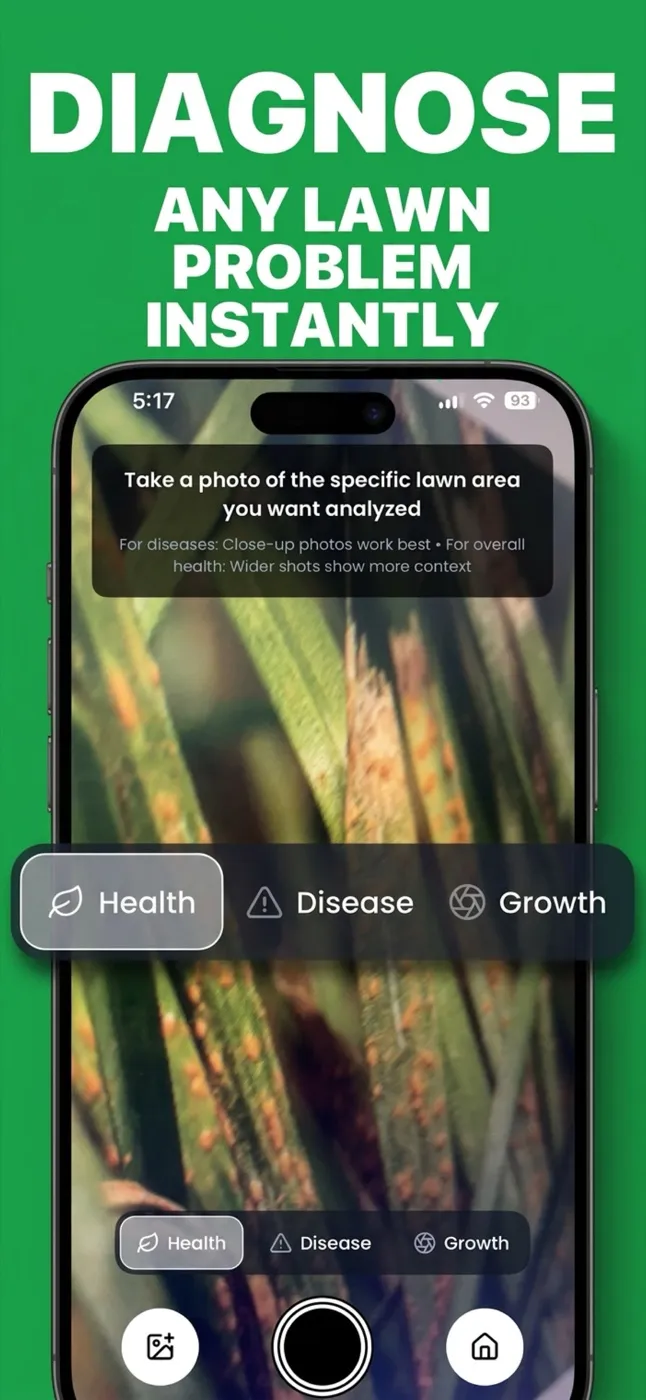
If you want that turf-focused route, Grass X, our app, works as a Google Lens alternative for lawns. It identifies common lawn grasses such as Bermuda, Zoysia, St. Augustine and fescue from a photo, tells you whether the grass is cool-season or warm-season, and builds a mowing, watering and fertilizing schedule from your local climate. It also flags visible disease, weed and pest damage. It is free to start with a limited number of AI scans each month, and it’s available only through Apple’s App Store.
Other apps take a similar approach; that comparison puts seven iPhone options side by side, and our look at PictureThis grass identification covers a popular general plant app. On iPhone, Apple’s built-in Visual Look Up is another free option for plants and flowers in supported regions; like Lens, it is a general tool rather than a turf specialist.
Frequently asked questions
Is Google Lens accurate for identifying grass?
There is no published accuracy figure for Google Lens on lawn grasses. In a 2023 PLOS ONE study of native herbaceous plants in Ireland, Lens named the correct species first for about 68% of flower photos and 55% of leaf photos. A Montana State Extension specialist notes that grasses may be harder for plant ID apps than broadleaf plants, so expect lower reliability on a mowed lawn.
Is Google Lens free to use for plant identification?
Yes. Lens is part of the free Google app on iPhone and Android, and as of November 2026 the App Store listing shows the app’s paid options are storage and AI plans rather than Lens itself.
Can Google Lens tell if my grass is cool-season or warm-season?
Not as a standard part of the result. Lens returns visual matches and web results, and in the Google app you can ask a follow-up question, but any season type it gives comes from the web, so check it against an extension guide. A lawn-specific grass identifier usually gives the season type as part of the result.
Can Google Lens identify weeds and disease in my lawn?
It can search a photo of a weed or a damaged patch. Flowering broadleaf weeds are its easiest lawn case. Lawn diseases are harder, because many show up as rings or patches across the lawn rather than on one plant. Our guide to lawn disease identification apps covers turf-focused tools. Confirm any diagnosis before you buy a product, and follow the product label and local regulations if you treat.