Lawn Care Schedule App: 6 iPhone Planners Compared
Compare 6 lawn care schedule apps for iPhone: how each builds your plan, whether it follows the weather, what the free version includes and who it suits.
By Ramachandran A V · · Editorial policy
A lawn care schedule app turns your grass type, location and lawn size into a list of dated tasks: when to mow and how high, when to water, fertilize, overseed, aerate and put down weed control. The useful difference between apps is how they set those dates. Some follow a fixed calendar for your climate zone. Others move tasks around based on soil temperature, rainfall, frost and dormancy. If you want a plan that adjusts on its own, pick a weather-aware app; if you just want a simple weekly checklist, a calendar-based planner is enough.
Grass X is made by 1dot.ai, which publishes this blog. Details of the other apps come from their official App Store listings, checked as of November 2026. Apps change often, so confirm features and prices on the listing before you download. If you want a broader roundup that also covers diagnosis and booking apps, see our guide to the best lawn care app for homeowners.
Lawn care schedule apps compared
| App | How the schedule is set | Adjusts to weather | Dormancy handling | Free version | Paid options listed (November 2026) |
|---|---|---|---|---|---|
| Grass X | Grass type, climate and season, updated when you re-scan | Yes (observed rainfall, frost dates, weather alerts) | Pauses mowing and watering tasks (dormancy and snow) | Limited monthly AI scans and chat questions | $4.99 a week, $14.99 a month, $49.99 a year |
| Yard Mastery | Grass type, location and soil conditions | Yes (weather, soil temperature) | Not described | Core features free | Optional product purchases |
| Lawn Command | Daily task engine with 30+ triggers | Yes (recalculates from local conditions) | Season-transition alerts | Free with Pro upgrade | Pro listed at $4.99 and $39.99 |
| LawnKeep | 12-month plan from your state’s climate zone and grass type | Not described | Not described | Current month’s plan, reminders, text journal | $19.99 a year or $29.99 lifetime |
| Lawn Care AI: Blade Runner | Plan from location, grass type and weeds | Rain alerts | Not described | Free download | $4.99 weekly, $6.99 monthly, $44.99 full unlock |
| Scotts My Lawn | Plan built around Scotts products | Yes (product specs and weather) | Alerts you when grass goes dormant | Free | None listed; products sold in the app |
“Not described” means the App Store listing doesn’t mention the feature, not that the app definitely lacks it.
What a good lawn care schedule app should include
A schedule is only as good as the information behind it. Before comparing names, check that an app covers these basics.
It starts from your grass type
Cool-season grasses such as tall fescue and Kentucky bluegrass grow most in spring and fall. Warm-season grasses such as Bermuda and Zoysia grow in summer and go dormant in winter. That one difference flips the fertilizer calendar. NC State Extension’s tall fescue lawn maintenance calendar puts the main feedings in mid-September and November, with another in February, while its Bermudagrass calendar says to wait until several weeks after the lawn turns fully green in spring and not to fertilize from December to February.
So an app that asks you to guess your grass type is guessing your whole schedule. If you aren’t sure what you have, our grass identifier guide shows what to look for, and cool-season vs warm-season grass explains why it matters.
It follows conditions, not just dates
Fixed dates are a starting point. NC State’s tall fescue calendar tells readers to “adjust the following management practices and dates to suit your particular lawn,” because location, terrain, soil, lawn age and previous care all affect how a lawn performs. Weather moves the timing too.
Crabgrass prevention shows why. Purdue University’s turfgrass team says crabgrass begins to germinate when average daily soil temperatures reach 57 to 64°F at a one-inch depth, and that preemergence herbicides must be applied before it emerges. A warm spring can open that window earlier than usual. A lawn care calendar app that tracks soil temperature can move the reminder; a fixed one can’t.
It accounts for rain
Most established lawns need about an inch of water a week, rain included. A schedule that tells you to water after a storm is wasting water and can encourage disease. Apps that use observed rainfall, rather than a fixed watering day, get this right more often. Our guide on how much to water your lawn covers the details.
It stops nagging when the lawn is dormant
In November, warm-season lawns in the South are going brown and cool-season lawns in the North are slowing down. A good planner pauses mowing and watering tasks for dormant or snow-covered grass instead of sending reminders you will ignore.
It keeps a record
A log of what you applied and when helps you avoid doubling up on fertilizer or weed control, and makes the next season’s plan easier to trust.
The 6 apps in detail
Grass X: a schedule built from a photo diagnosis
Grass X is our app (listed on the App Store as “Lawn care AI App: Grass X ID”). You take a photo, and it identifies your grass species and flags visible disease, weed and pest damage. It then builds a plan for mowing, watering, fertilizing, overseeding, aeration and weed control, timed to your grass type, climate and season. Re-scanning updates the plan without duplicating tasks, and you can skip or reschedule individual tasks.
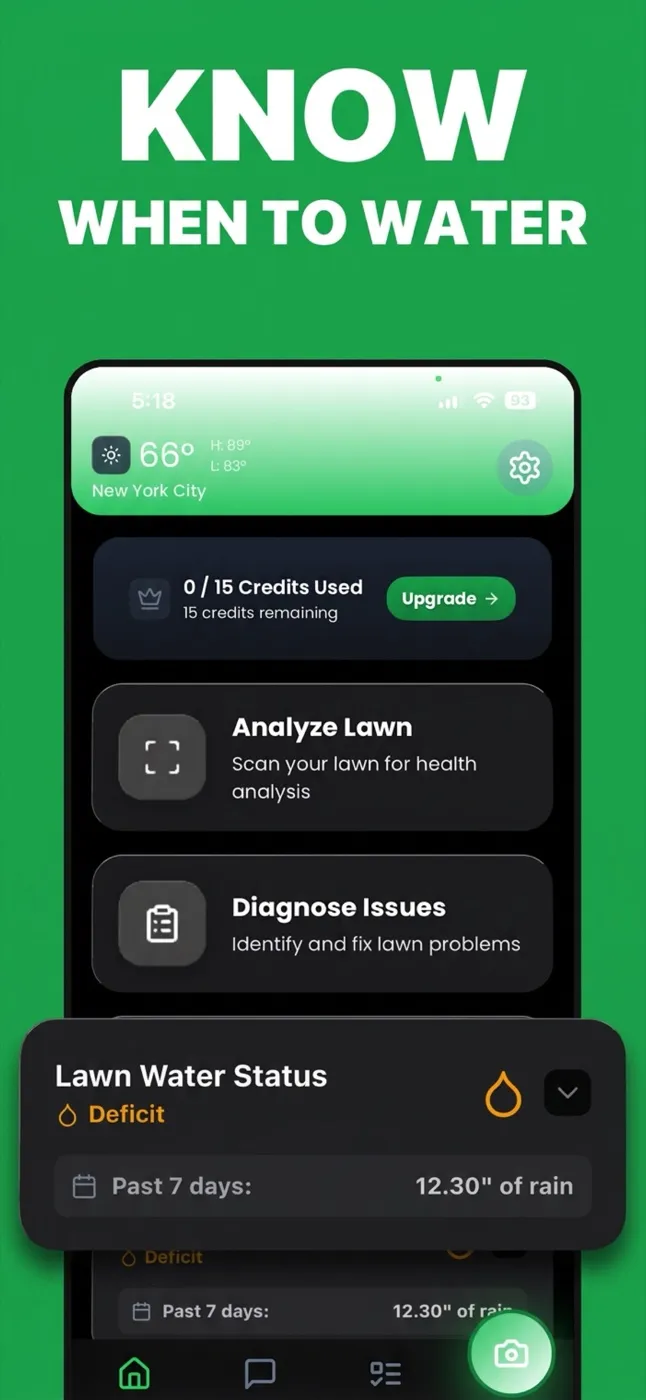
On the scheduling side, the listing describes task reminders, a daily reminder summary, a monthly checklist, home screen widgets and a completion streak. Mowing and watering tasks pause while the grass is dormant or under snow, based on your hardiness zone and frost dates, and the app alerts you when the weather means a task should wait. Watering guidance uses observed rainfall, your lawn size and evapotranspiration data. A fertilizer recommender, a soil test reader for pH strips, N-P-K kit charts and lab reports, a lawn journal and an AI chat assistant that knows your grass type and lawn history round it out.
Best for: iPhone and iPad users who don’t know their grass type yet, or who want the diagnosis and the schedule in one place. It isn’t available on Android yet.
Yard Mastery: a detailed step-by-step schedule
Yard Mastery’s listing describes a step-by-step schedule designed for your grass type, location and soil conditions, with separate schedules for warm-season, cool-season and transition-zone lawns. It tracks soil temperature in real time for timing, adjusts the plan based on weather and lawn progress, and includes overseeding schedules, watering plans and smart reminders. A combined calendar and journal view logs treatments and photos, and there are calculators for fertilizer rates, lawn area and product coverage.
Best for: hands-on homeowners who want a full-season program they can follow step by step and log against. Its listing doesn’t describe photo diagnosis, so pair it with a separate ID tool if you need to name a weed or disease.
Lawn Command: tasks recalculated every day
The listing for Lawn Command, from Broadleaf Labs, describes the most condition-driven approach on this list. Its Daily Task Engine uses more than 30 triggers to create task cards each day, using soil temperature for pre-emergent timing and a “Growth Potential” outlook that lengthens mowing intervals when growth slows. Coaching notifications cover season changes, water deficits, growth surges and mowing windows, and a Spray Window Finder rates conditions as “Good now,” “Wait” or “Hold off.” AI Turf Diagnostics identifies weeds, disease and pests from a photo. Pro adds Rachio sprinkler integration and up to 16 mapped lawn zones.
Best for: people who’d rather react to this week’s conditions than follow a fixed calendar, especially if they spray their own weed control. It is listed for iPhone only.
LawnKeep: a simple weekly checklist
Lawn Care Schedule - LawnKeep keeps things simple. You pick your US state (or a climate outside the US) and your grass type, and it builds a 12-month plan delivered as a “This Week” checklist with mowing heights, watering amounts and seasonal windows for pre-emergent, overseeding, aeration and feeding. It sends one weekly reminder, and its listing says data stays on your phone. If you don’t know your grass type, the listing says it picks the most common type for your zone.
Best for: anyone who wants a no-fuss lawn care planner app and values privacy. The free version covers the current month; Pro unlocks the full year and journal photos.
Lawn Care AI: Blade Runner: a plan plus an AI chat
Blade Runner’s listing describes a personalized plan with monthly instructions for watering, mowing, fertilizing, seeding, weed treatments and aeration, built from details such as your location, grass type and weeds. Its version history says plans now run six months at a time, and notes rain alerts, soil test data in recommendations, treatment tracking and email reminders. It includes an AI chat assistant with access to your lawn profile and schedule, and you can manage more than one yard.
Best for: people who like to ask follow-up questions about their plan, or who look after several yards.
Scotts My Lawn: a schedule around Scotts products
Scotts’ app (listed as “My Lawn: A Guide to Lawn Care”) builds a plan from your grass type, location, lawn size and conditions, with Scotts product recommendations you can add to or remove. It notifies you when conditions are right to apply, based on the product specifications and the weather, tracks weekly water from rainfall totals and manual entries, and alerts you when the grass goes dormant. A calendar tracks mowing, watering and applications with notes and photos.
Best for: Scotts users who want application reminders timed to each product in their plan. If you’d rather your schedule weren’t tied to one brand’s products, a brand-neutral planner is the better fit (see our Scotts My Lawn app alternative guide).
Calendar app or AI lawn care app: which do you need?
Both kinds of app can keep you on track. The choice comes down to how much you know about your lawn and how much your weather varies.
| If this sounds like you | Consider |
|---|---|
| You know your grass type and want a set schedule to follow | LawnKeep (simple) or Yard Mastery (more detailed) |
| You don’t know your grass type or what’s wrong with the lawn | Grass X (identifies both from a photo) |
| Your springs and falls are unpredictable | An app that adjusts to conditions: Grass X, Lawn Command or Yard Mastery |
| You spray your own weed control | Lawn Command for its spray window |
| You want to chat through the plan | Grass X or Blade Runner |
| You buy Scotts products | Scotts My Lawn |
An AI lawn care app is most useful at the start, when the schedule depends on information you don’t have yet: the grass species, or whether a brown area is disease, insects or drought. Our comparison of lawn disease identification apps goes deeper on that side. Once the basics are known, a well-built calendar app can be just as reliable.
How to check any app’s schedule
No app can see your soil or know your microclimate perfectly. A few habits keep any schedule honest.
- Compare it with your extension service. Most state extension services publish a maintenance calendar for each common grass. If an app’s fertilizer dates are months away from your extension calendar, check your setup.
- Get a soil test. NC State’s tall fescue calendar recommends testing before fall fertilizing. Apps that read soil test results can then adjust nutrients instead of assuming.
- Treat what you’ve confirmed, not what’s on the calendar. A reminder to apply fungicide or insecticide doesn’t mean your lawn has the problem. Our guide to brown patches in your lawn helps you sort disease from drought, grubs and other causes first.
- Let the label set the rate. An app’s reminder tells you when; the product label and local regulations tell you how much and how to apply it.
Frequently asked questions
Is there a free lawn care schedule app?
Yes. As of November 2026, Yard Mastery says its core features are free and Scotts My Lawn is free. LawnKeep’s free version includes the current month’s plan, reminders and a text journal. Grass X, Lawn Command and Blade Runner are free to download with paid upgrades. For a closer look at what you get without paying, see our guide to free lawn care apps for iPhone.
What is the best lawn care calendar app?
It depends on how you like to work. For a simple weekly checklist, LawnKeep. For a detailed schedule with calculators, Yard Mastery. For a plan that starts from a photo of your lawn and pauses during dormancy, Grass X. For daily tasks driven by local conditions, Lawn Command.
Can a lawn care app make a schedule for warm-season grass?
Yes. Yard Mastery lists warm-season, cool-season and transition-zone schedules, LawnKeep lists Bermuda, Zoysia and St. Augustine among its grass types, and Grass X identifies warm-season species from a photo. The important part is that the app knows which type you have, since warm-season and cool-season lawns are fertilized at very different times of year.
How do lawn care schedule apps decide when to fertilize?
Most start from your grass type and climate, because cool-season and warm-season lawns are fed at different times of year. Calendar-based apps then use fixed windows for your zone, while weather-aware apps also look at signals such as soil temperature, rainfall, frost and dormancy. Either way, a soil test tells you whether you need nutrients like phosphorus at all, so enter your results if the app supports it.
Are lawn care schedule apps available on Android?
Of the apps in this guide, we could only verify iPhone versions on the App Store. Grass X is only on Apple’s App Store. If you use Android, search Google Play directly and check the developer before installing.